China Digital Survival Guide: VPN, eSIM & Essential Apps for Travelers (2026)
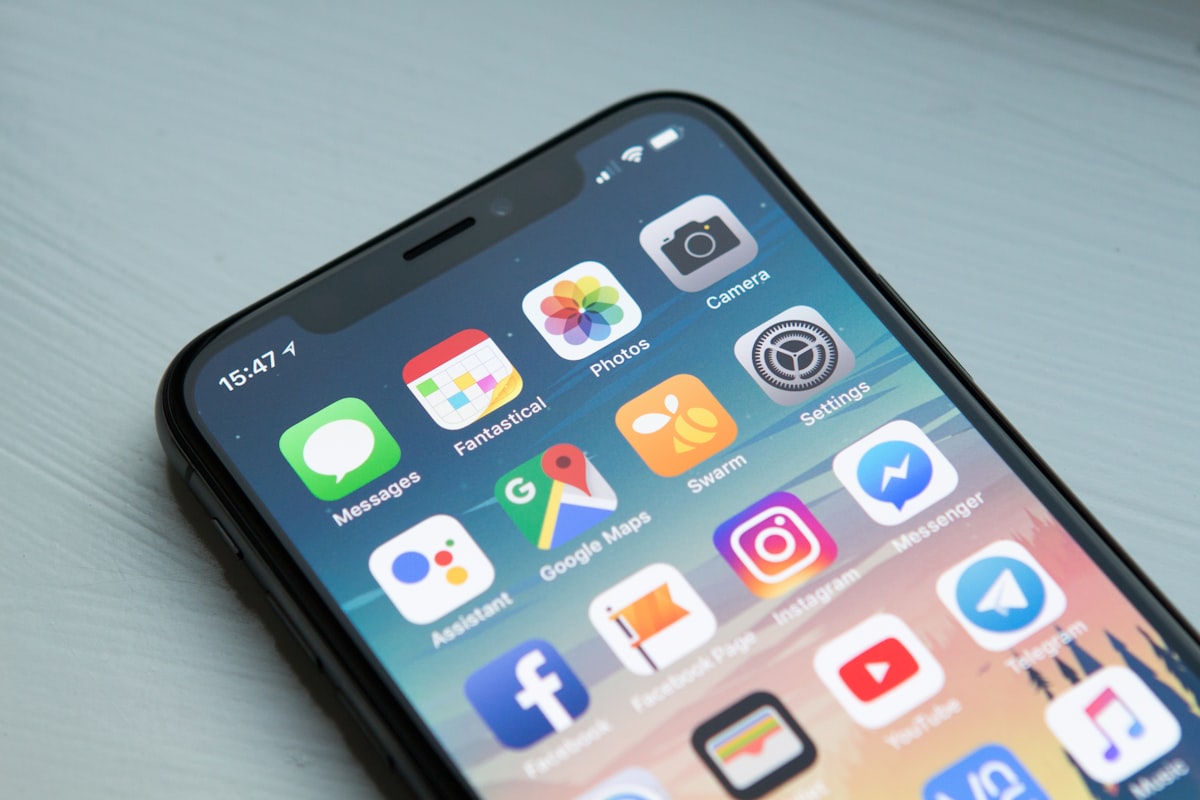
You’ve already set up Alipay. Now let’s solve connectivity and navigation — the two things that make or break your trip.
Let’s address the elephant in the room: China’s internet restrictions sound intimidating from the outside. In practice, the workarounds are well-established and take about 30 minutes to set up at home. Once configured, you’ll have the same maps, messaging, and social media you use everywhere else. The wall is real — but it’s also well-documented and predictable.
China runs on apps. But the apps you use at home — Google Maps, WhatsApp, Instagram, Gmail — don’t work here. And the apps that do work — Amap, DiDi, Meituan — you’ve probably never installed.
This guide walks you through the three pillars of digital survival: internet access, the VPN question, and the app stack. Nail these before you board the plane, and your trip will feel smooth. Skip them, and you’ll spend your first day troubleshooting instead of exploring.
eSIM vs Physical SIM: Which One?
This is the first decision. It determines whether you can access Google without a VPN.
eSIM — The Smart Choice for Most Travelers
An eSIM is a digital SIM you install before flying. It activates the moment you land.
| eSIM | Physical SIM | |
|---|---|---|
| Setup | 5 minutes at home | 30–60 min queue at airport |
| Cost (7 days) | $8–19 | $14–42 |
| VPN needed? | ❌ Often not — traffic routed via Hong Kong | ✅ Yes, everything is blocked |
| Chinese phone number | ❌ Data only | ✅ Included |
| Best for | Short trips (1–4 weeks) | Long stays (30+ days) |
The hidden superpower of eSIM: International eSIMs (Airalo, Holafly, Nomad, Trip.com) route your data through Hong Kong or Singapore. This means Google, Gmail, WhatsApp, Instagram, and YouTube often work without a VPN. It’s the single biggest convenience upgrade for a short trip. Caveats: (1) Streaming services like Netflix/Disney+ may still require a VPN for region matching. (2) Some eSIMs occasionally switch to a Chinese local carrier route — keep a VPN installed as backup.
Recommended eSIM providers:
| Provider | 7-Day Price | Data |
|---|---|---|
| Trip.com | $8–15 | 1–3 GB/day |
| Holafly | $19–27 | Unlimited |
| Airalo | $8–15 | 5–30 GB total |
| Nomad | $9–16 | 5–20 GB total |
Setup: Buy the eSIM before you fly. You’ll get a QR code — scan it in your phone’s SIM settings. Enable data roaming on the eSIM line (this is the step everyone forgets). Activate it on the plane. When you land, you’re online.
Get more data than you think. China makes you use your phone constantly — maps, payments, translations, ride-hailing, photo uploads. A 1 GB/day plan sounds fine until you’re navigating a live-translated menu in a basement restaurant with no WiFi.
Physical SIM — When You Need a Chinese Number
| Carrier | Verdict |
|---|---|
| China Unicom | Best for foreign phones. Most reliable compatibility. |
| China Mobile | Widest coverage, but some foreign phones have band issues. |
| China Telecom | Avoid for short trips — most foreign phones don’t support its bands. |
Buy at the airport official kiosk (not from random sellers outside). Bring your passport — it’s mandatory for SIM registration. Plans start around ¥100/month for plenty of data.
You need a Chinese phone number if:
- Your trip is 30+ days (monthly plans are much cheaper)
- You need to make local calls to hotels or restaurants
- Certain app verifications require a Chinese number (some mini-programs, food delivery)
- Your phone doesn’t support eSIM (iPhone XS and newer, most recent Androids do)
The VPN Question
Do You Even Need One?
Short answer: with an eSIM, maybe not. With a physical Chinese SIM, absolutely yes.
Here’s who needs what:
| Setup | Need VPN? |
|---|---|
| eSIM (routed via HK/Singapore) | ❌ Usually not — Google and WhatsApp just work |
| Physical Chinese SIM | ✅ Yes — everything is blocked |
| Hotel WiFi (China IP) | ✅ Yes — same as physical SIM |
| Airport WiFi | ✅ Yes — and it’s painfully slow anyway |
Even with eSIM, a VPN is smart insurance. eSIM routing sometimes glitches, and hotel WiFi is useful for large downloads.
Which VPN Actually Works in China?
The Great Firewall employs deep packet inspection. Standard VPN protocols (OpenVPN, WireGuard, IPSec) are detected and blocked within minutes. You need a VPN with obfuscation — technology that disguises VPN traffic as regular HTTPS.
| VPN | Works in China? | Notes |
|---|---|---|
| Astrill | Varies (performance fluctuates) | Once the gold standard — proprietary StealthVPN protocol, but 2025-2026 user reports show reliability swings (frequent disconnects, slow speeds at times). Check recent reviews before committing. Paid only. |
| LetsVPN | ✅ Yes | Fast, simple, popular with travelers. One-tap connect. |
| Mullvad | ⚠️ Hit or miss | Privacy-first, but GFW catches it sometimes. WireGuard with obfuscation helps. |
| Proton VPN | ❌ Unreliable | Stealth protocol exists but inconsistent in China. |
| ExpressVPN | ❌ Unreliable | Was the go-to years ago. No longer reliable in 2026. |
| NordVPN | ❌ Unreliable | Similar story — blocked more often than not. |
| Free VPNs | ❌ Don’t bother | Blocked, slow, and potentially dangerous. |
The move: Pay for Astrill or LetsVPN. Install it, test it at home, turn on the obfuscation/stealth protocol. Save the login credentials somewhere offline. Once in China, VPN websites are blocked — you can’t download one if you forget.
How to Use a VPN in China
- Install before you fly. You cannot download VPN apps from inside China.
- Activate stealth/obfuscation protocol. This is not optional — standard protocols fail.
- Connect BEFORE you open blocked apps. Turn on VPN → wait for connection → then open Instagram, Gmail, etc.
- Turn it OFF before paying. Alipay and WeChat Pay flag foreign IP addresses as suspicious. VPN on = “Los Angeles IP” + “Beijing GPS” = payment blocked.
- Don’t update your phone’s OS while on VPN in China. It can cause network configuration issues.
What’s Blocked and What Works
| Works Freely | Blocked (VPN or eSIM Needed) |
|---|---|
| Alipay, WeChat Pay | Google (Search, Gmail, Maps, YouTube, Drive) |
| WhatsApp, Telegram, Signal | |
| Baidu Maps, Amap (高德) | Instagram, Facebook, Twitter/X |
| DiDi (ride-hailing) | Netflix, Spotify, Disney+ |
| Meituan (food delivery) | Reddit, Discord, Twitch |
| Apple Maps (partial) | BBC, CNN, NYT, WSJ |
| Microsoft Bing, Outlook | Wikipedia (some pages) |
| iMessage, FaceTime | Dropbox, Notion, Trello |
Note on WeChat: WeChat itself isn’t blocked, but international WeChat accounts have fewer features than Chinese ones. You won’t be able to use WeChat Pay’s full functionality, but for messaging, it works fine.
The Essential App Stack
Install these before you leave. In order of importance:
Tier 1: Non-Negotiable
| App | What It Does | Platform |
|---|---|---|
| Alipay | Payment. Everything. | iOS / Android |
| Messaging, backup payment, mini-programs | iOS / Android | |
| VPN app (Astrill / LetsVPN) | Internet access | iOS / Android |
Tier 2: Daily Drivers
| App | What It Does | Why You Need It |
|---|---|---|
| Amap (高德地图) | Navigation | Google Maps is blocked and outdated in China. Amap is the best local alternative with an English mode (Settings → Language → English). Includes public transit directions and real-time traffic. |
| DiDi (滴滴出行) | Ride-hailing | China’s Uber. Available inside Alipay as a mini-program — no separate app needed. You can also hail regular taxis through it, which solves the language barrier with drivers. |
| Google Translate (or Baidu Translate) | Translation | Download the Chinese offline pack before your trip. The camera translation feature is essential for menus and signs. |
| Trip.com | Hotel & train booking | The most foreigner-friendly booking platform. Full English interface, accepts international cards. |
Tier 3: Quality of Life
| App | What It Does |
|---|---|
| Meituan (美团) | Food delivery, restaurant reviews, bike rental. Chinese-only, but the photo-heavy interface is navigable with translation. |
| Dianping (大众点评) | Yelp of China. Find good restaurants by photo and rating. |
| Xiaohongshu (小红书) | Instagram-meets-TripAdvisor. Travel tips from locals. Chinese-only, but visual search is intuitive. |
| 12306 (official train app) | Direct train booking with no Trip.com markup. English version available. |
Alipay mini-program trick: You can access DiDi, train tickets, bike rental, and food delivery directly inside Alipay — no need to download a dozen separate apps. Look for the “More” menu and scan the icons.
Pre-Flight Digital Checklist
In order, before you board:
- ✅ Buy and install eSIM (Trip.com / Holafly / Airalo)
- ✅ Install VPN (Astrill or LetsVPN), activate stealth protocol, test at home
- ✅ Set up Alipay — passport verified, card linked (full guide here)
- ✅ Download Amap and cache offline maps for your first city
- ✅ Download Google Translate + Chinese offline pack
- ✅ Install Trip.com for hotel and train bookings
- ✅ Screenshot your eSIM QR code, VPN login, and hotel address (in Chinese)
- ✅ Enable data roaming on your eSIM line before landing
- ✅ Turn off VPN the moment you need to pay with Alipay
- ✅ Carry a power bank — your phone is your wallet, map, translator, and ticket
The Bottom Line
China’s digital ecosystem feels like a parallel universe when you first arrive. Different apps, different rules, different walls. But the gap has narrowed dramatically in 2025–2026.
eSIM + Astrill + Alipay + Amap. Four things set up at home. If you do nothing else, do these four. The rest you can figure out with a charged phone and a translation app.
Related Guides
- Mobile Payment Guide — Set up Alipay step by step. The companion to this guide — do both before you fly.
- First-Time China Guide — The complete 2026 guide for first-timers, from visas to itineraries
- Visa-Free Entry Guide — 50 countries, 30 days, no paperwork — check if you even need a visa
- China Travel Myths Debunked — “The internet is blocked so I’ll be cut off” and five other fears that don’t hold up
- China Summer 2026 Guide — Where to go in June and July, what to pack, and how to handle the heat
Questions about a specific app or VPN not working? Leave a comment — I keep this guide updated.